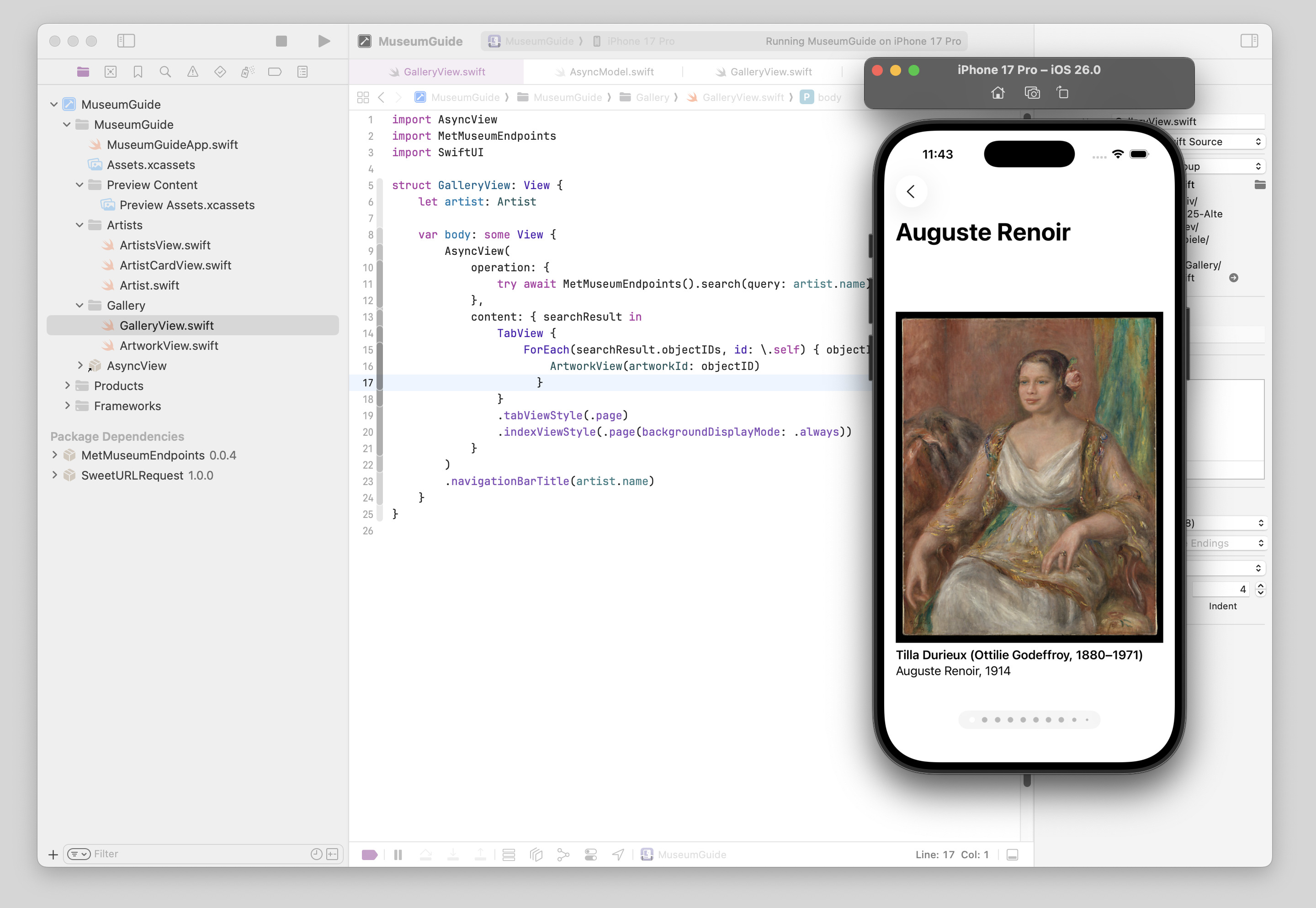
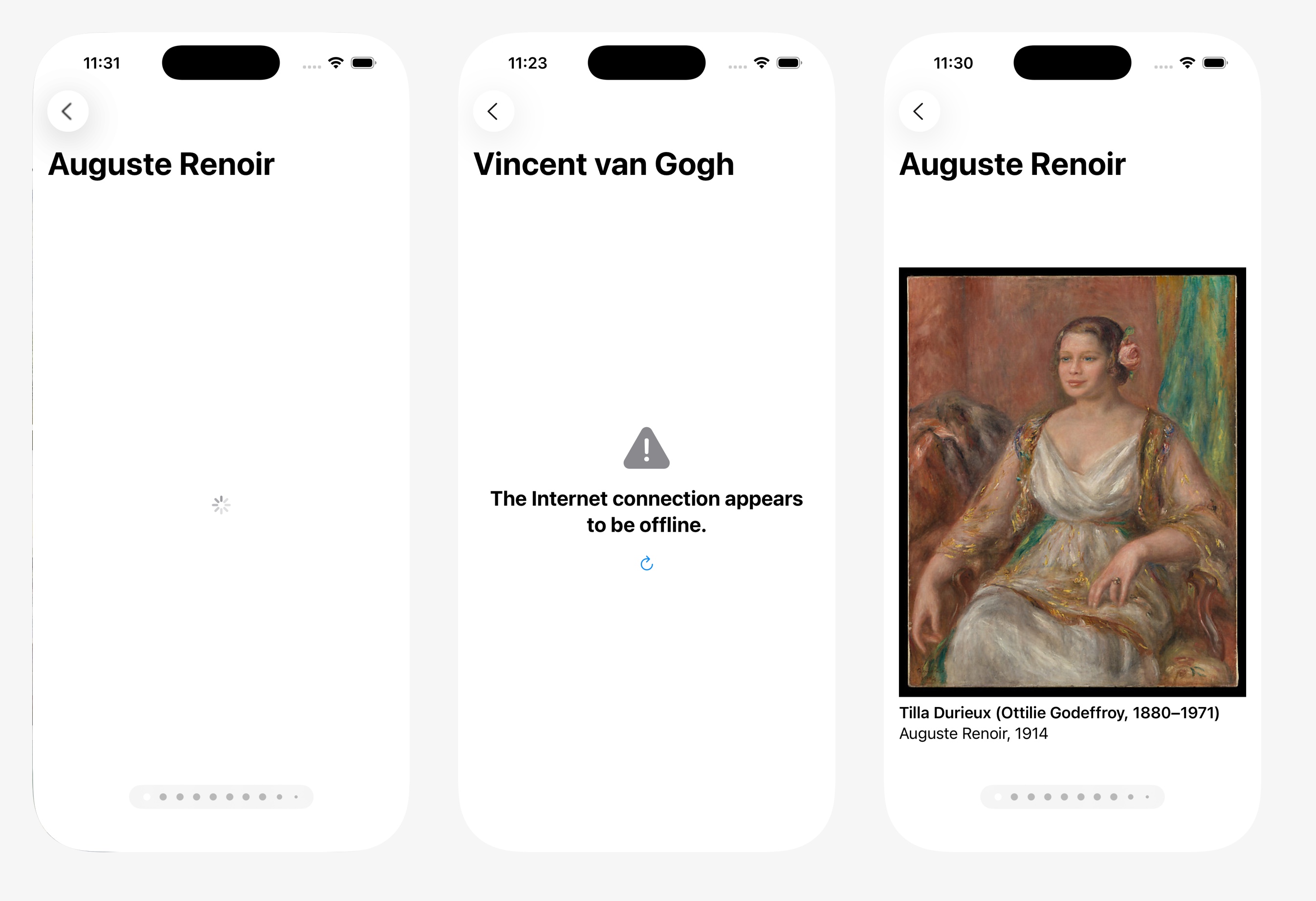
AsyncView is like AsyncImage, but for data. It is a SwiftUI View that handles in-progress and error states when loading data using async/await.
I recommend to define a type for every API and implement a method for every endpoint/remote call. For example:
struct Artwork: Codable {
    var objectID: String
    var objectName: String
}

class MetMuseumEndpoints {
    let urlSession = URLSession.shared
    let jsonDecoder = JSONDecoder()

    static let shared = MetMuseumEndpoints()

    func artwork(id: Int) async throws -> [Artwork] {
        let url = URL(string: "https://collectionapi.metmuseum.org/public/collection/v1/objects/\(id)")!
        let (data, _) = try await urlSession.data(from: url)
        return try self.jsonDecoder.decode([Artwork].self, from: data)
    }
}
Have a look at MetMuseumEndpoints for a more comprehensive example.
For presenting data loaded from a URL endpoint directly in a SwiftUI View, you can use AsyncView:
import SwiftUI
import AsyncView

struct ArtworkView: View {
    var body: some View {
        AsyncView(
            operation: { try await MetMuseumEndpoints.shared.artwork(id: 45734) },
            content: { artwork in
                Text(artwork.objectName)
            }
        )
    }
}MuseumGuide shows a gallery of artwork using the Met Museum API: